01
A computer for every bot
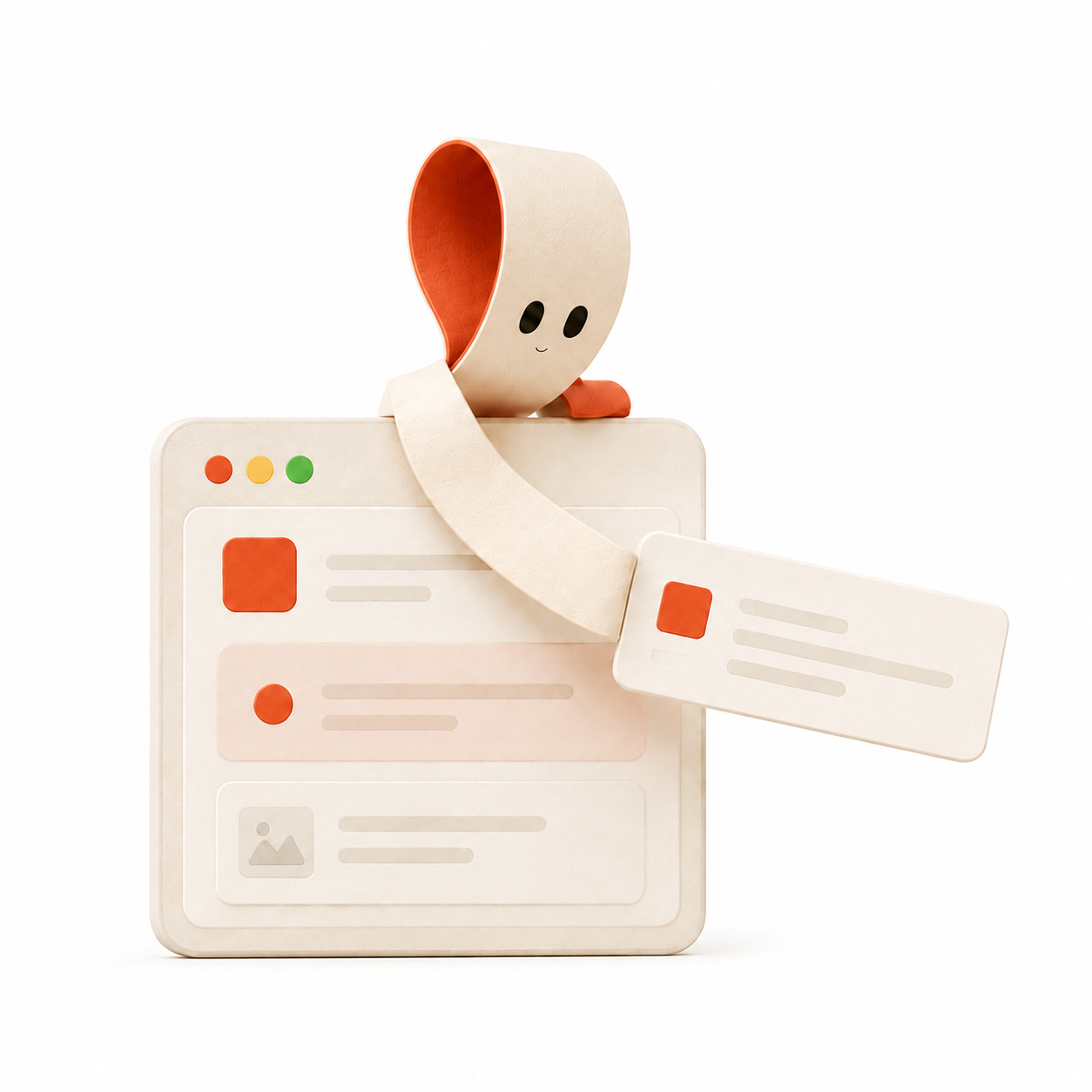
Each bot gets a separate Linux desktop on your Mac. Watch the screen, take over, and hand it back without losing the task.
↖
AI coworkers with their own computers
Give each bot a role, a memory, and a real desktop. They research, build, browse, and keep you posted from your Mac or phone.
Free local app. Hosted computers optional.
A desk, not a chat box
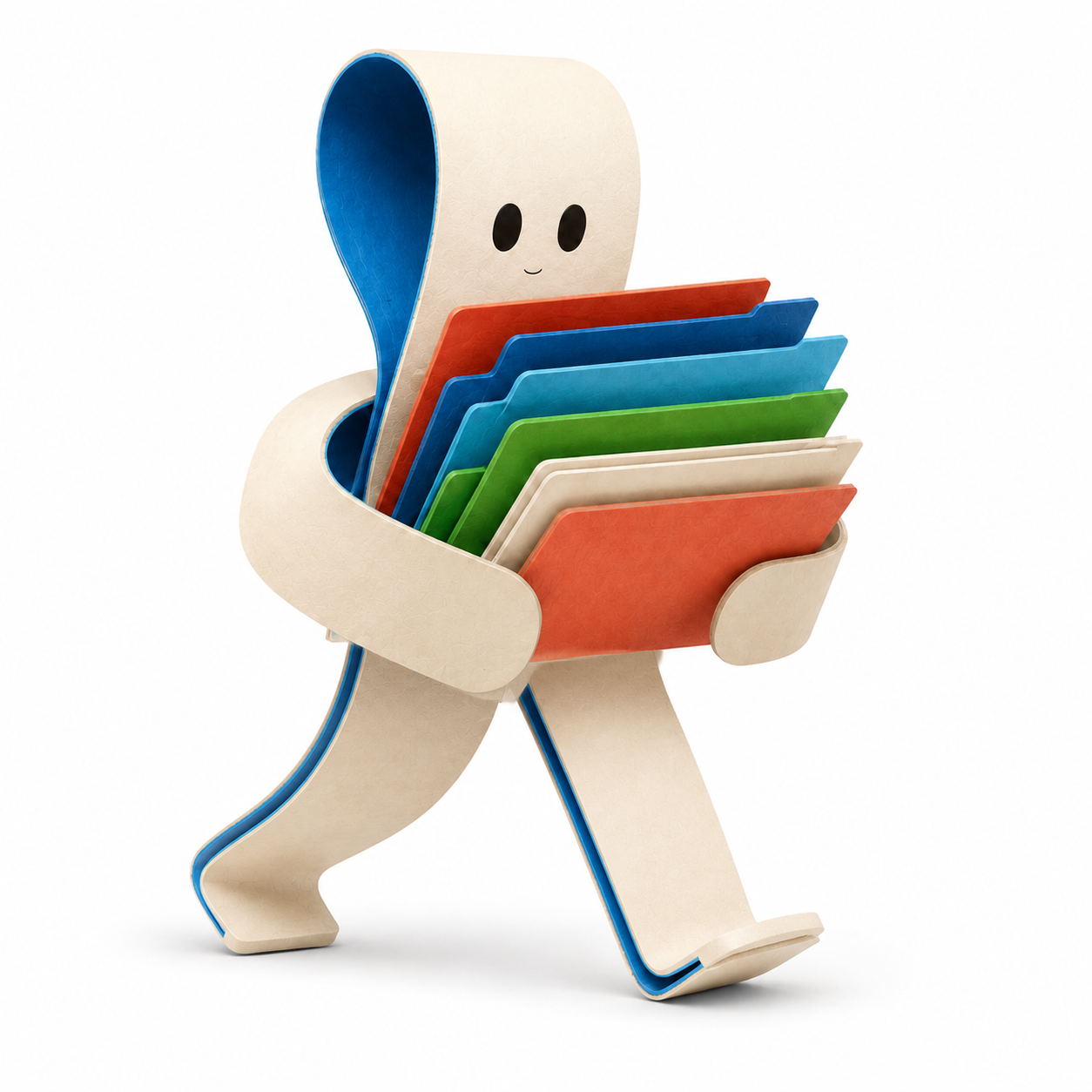
One bot can watch the browser. Another can sort research. A third can keep a recurring job moving. Every conversation stays attached to the coworker who did the work.
01
Each bot gets a separate Linux desktop on your Mac. Watch the screen, take over, and hand it back without losing the task.
02
Continue a chat on iPhone or Telegram. Messages, answers, and attachments stay in one conversation.
03
Run routines on a schedule or from GitHub, Slack, Linear, Sentry, Teams, and PagerDuty events.
“
Deskfolk keeps transcripts, files, learned skills, and project memory with the right bot. Context follows the conversation across devices.
Deskfolk Hosted
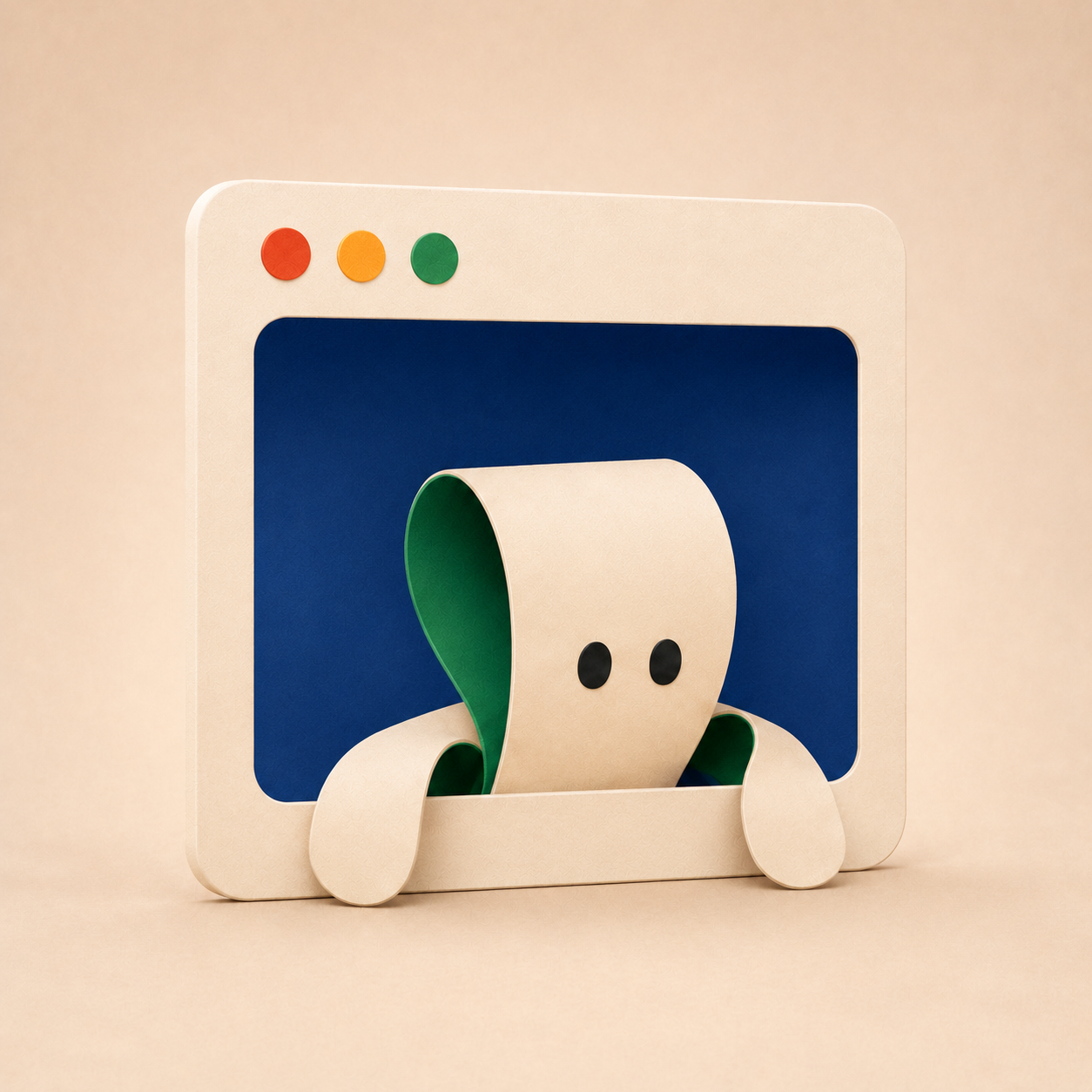
Move selected bots to an on-demand hosted computer. They wake for messages and routines, sleep when idle, and remain available from your phone.
Designed for private work
Bots, transcripts, and computer profiles stay on your Mac unless you turn on sync or hosting.
Cloud sync stores encrypted conversation events. Workspace keys remain on your paired devices.
Every account has a separately authenticated workspace with scoped devices, limits, storage, and billing state.
Choose ChatGPT or OpenRouter. Deskfolk does not silently switch providers when one fails.
Questions, answered
Local when you want it. Hosted only for the coworkers that need to stay reachable.
Deskfolk gives each AI coworker a role, memory, conversation, and computer. You can assign work, watch a bot use its desktop, take over when needed, and keep the result with the coworker that did the work.
Local bots run on your Mac and are included with the free local app. Hosted bots run on selected on-demand computers, wake when work arrives, sleep when idle, and remain reachable when your Mac is closed.
Yes for local bots: your Mac must be on and the Deskfolk app must be running. A hosted bot remains reachable without your Mac, so you can move only the bots that need to stay available.
A normal chat is primarily a conversation. A Deskfolk bot also has an ongoing role, its own memory and files, and a computer it can use for work, with the conversation preserved across your paired devices.
Deskfolk is organized around coworkers and their computers, not only a code repository. Bots can work through a desktop and browser, keep project context, communicate in chats, and run recurring work.
Deskfolk supports ChatGPT OAuth or OpenRouter. You choose the provider, and Deskfolk does not silently fall back to the other provider if the selected one fails.
Yes. A tenant-scoped Deskfolk account can sync its conversations to the iPhone app, and you can connect Telegram to a bot. Local bots still need the Mac app running; hosted bots remain reachable.
The local Mac app is free. Hosting is optional and includes a monthly allowance of seat-hours: one hosted bot awake for one hour uses one seat-hour. Hosted bots sleep when idle so idle time is not active compute.
The first coworker is free
Start on your Mac. Add hosted computers when you need a crew that stays online.